Choosing car sharing software is more than choosing an app where customers can find and unlock a car. The same system has to verify drivers, take payments, communicate with vehicles, handle problems during a trip, and give your team the tools to keep cars available. The difference between two platforms often becomes clear only when something goes wrong: a customer cannot unlock a car, a payment fails, a vehicle needs to be taken out of service, or an operator wants to introduce advance bookings alongside short trips.
If you are comparing providers, ask them to show how these situations work in the actual product. Here is what to check.
Start with the Operating Model
“Car sharing” can mean several different things. A free-floating service lets customers find a nearby car and end a trip within an allowed area. A station-based service may require them to return the car to a specific location. Corporate fleets, peer-to-peer services, and self-service rentals have different booking, access, and approval rules.
Write down how your service will work before requesting demos:
- Can customers start a trip immediately, reserve a car for later, or both?
- Do they book a specific vehicle or a vehicle category?
- Where can they pick up and return the car?
- Will you charge by the minute, hour, day, distance, or a combination?
- Do you need deposits, subscriptions, corporate accounts, or different prices by location?
Ask the provider to configure these rules in a demo. A platform that supports “car sharing” in general may still require development to support your exact model.
Check the Complete Customer Journey
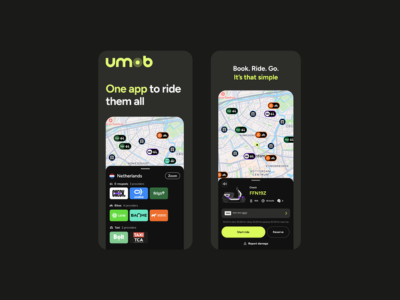
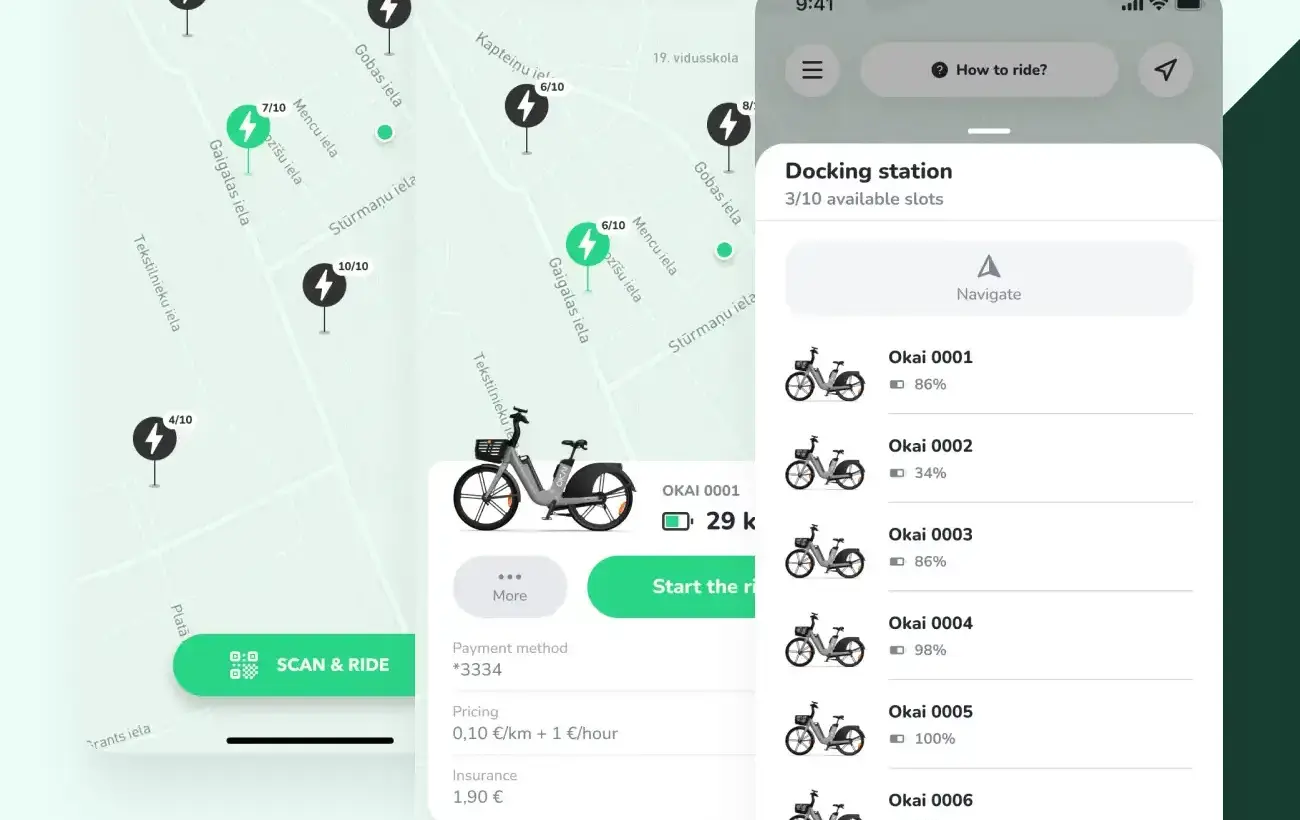
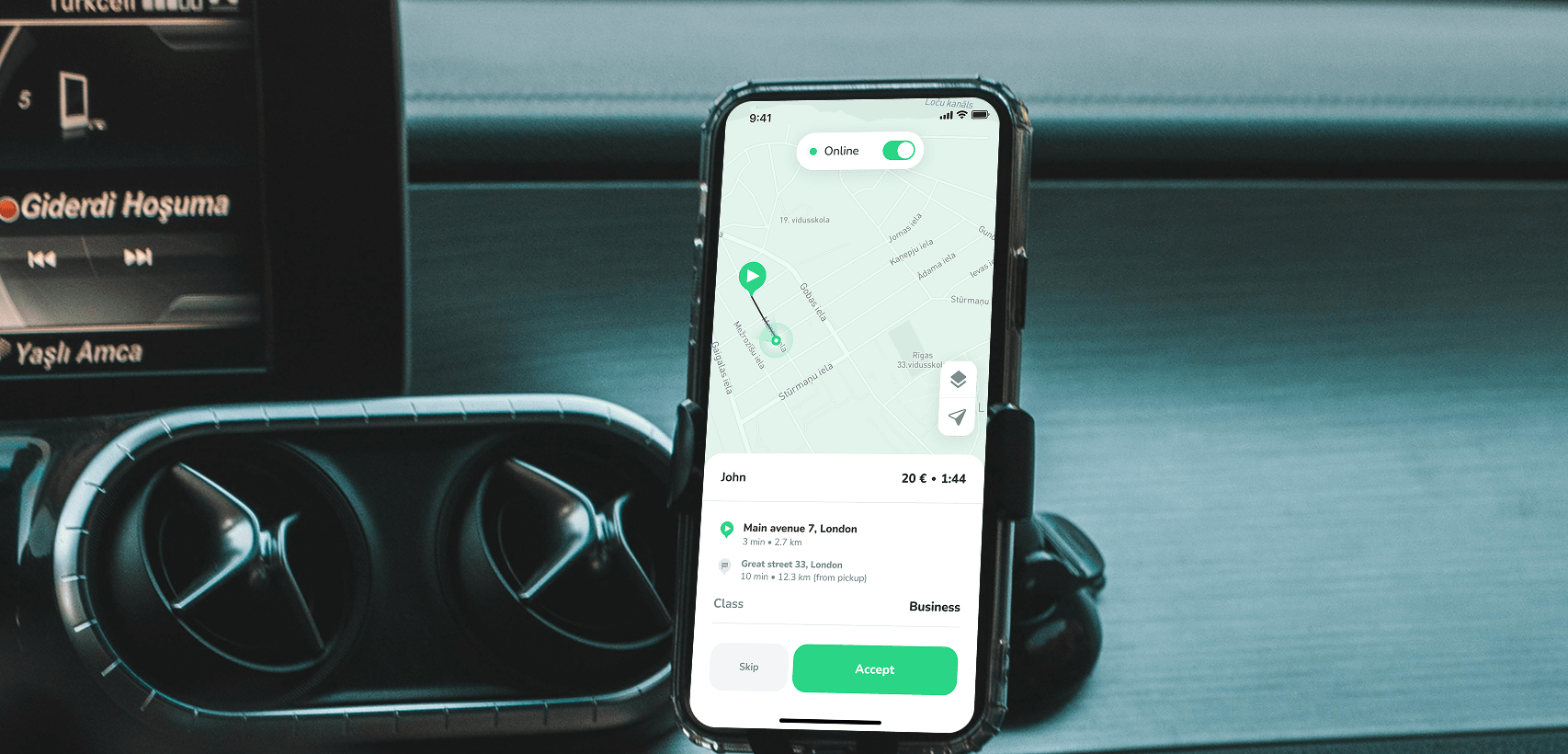
The app needs to do more than display vehicles on a map. Follow one booking from the first app open to the final receipt. Check registration, ID and driver’s licence verification, vehicle discovery, booking, payment authorisation, keyless access, trip extension, damage reporting, and trip completion.
For advance rentals, check whether customers can book from your website as well as the app. Ask to see the complete web-to-app journey: selecting a vehicle and dates, confirming the reservation, and continuing to payment, licence verification, and vehicle access. Find out whether the website can complete the entire rental or whether customers must install the app after booking. ATOM Mobility’s web-booker, for example, lets customers reserve on the web and then complete payment, and ID verification in the app.
Then test the exceptions. What does the customer see if verification fails, the car does not unlock, the vehicle is no longer available, or the payment cannot be collected? Can your support team see what happened and resolve it without contacting a developer?
This matters because customers judge the entire journey, including how quickly they can recover when a step fails.
Make Vehicle Connectivity a Separate Decision
Car sharing depends on reliable communication between the platform and the vehicle. Depending on the vehicle and hardware, this may include location, lock and unlock commands, mileage, fuel or battery level, and other status data. Ask for a list of supported telematics providers, rather than accepting a general statement that the platform is “hardware agnostic.” For your proposed fleet, establish:
- Which functions already work, and which require a new integration?
- Is hardware installation required? Who supplies and supports it?
- What happens when the vehicle temporarily loses connectivity?
- Who investigates a failed command: the software provider, hardware supplier, or operator?
- What are the hardware, installation, connectivity, and integration costs?
Hardware flexibility is valuable when you expand or change suppliers, but the integration for the vehicles you plan to buy now is the first thing to verify.
Look Closely at Day-to-Day Fleet Operations
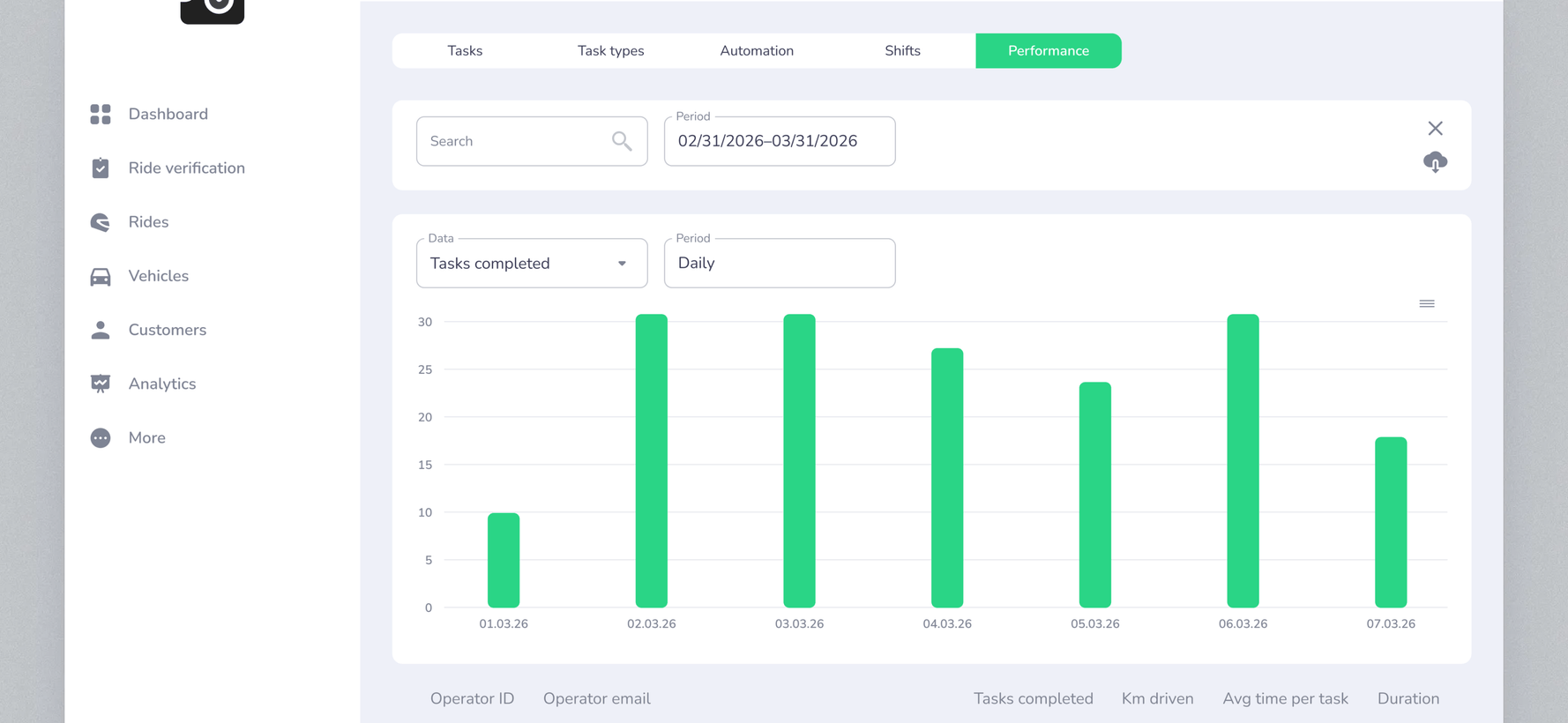
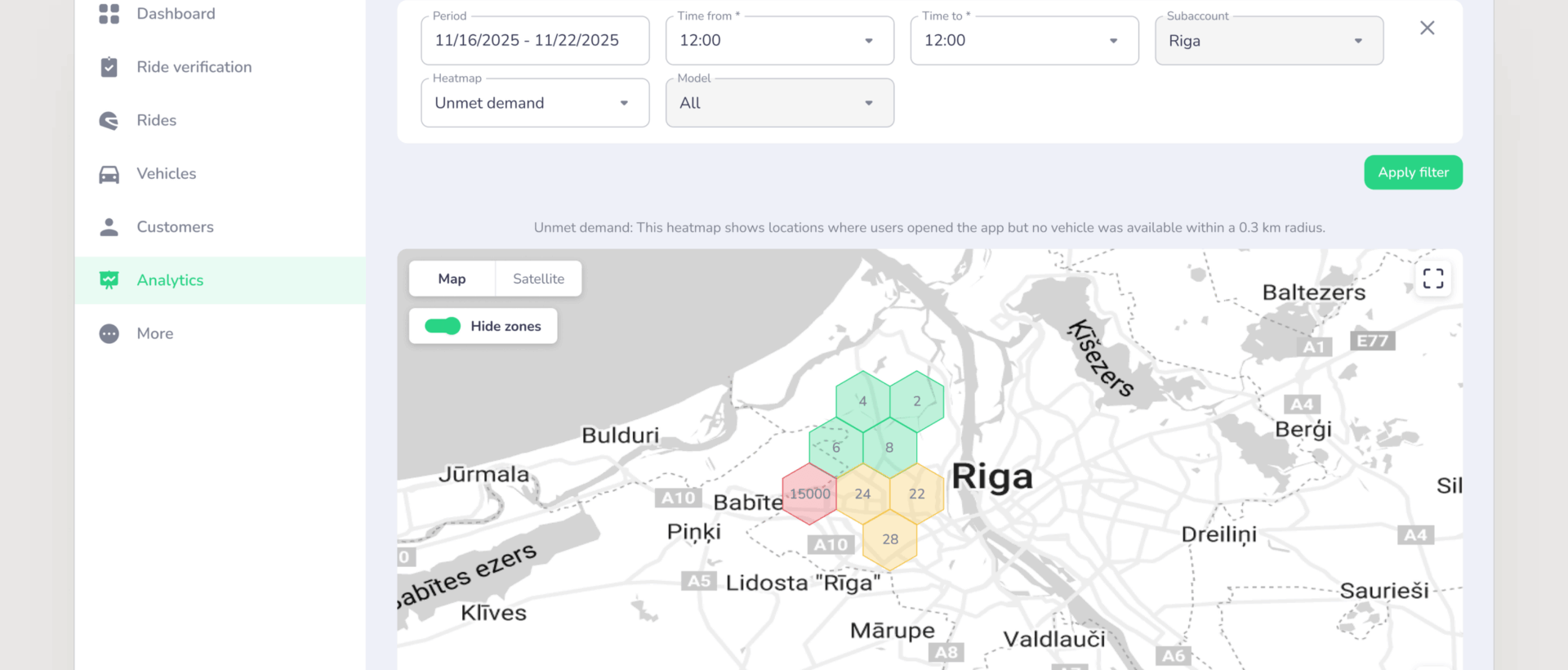
The customer app gets the attention, but your team will spend much of its time in the management dashboard and operator tools. Ask a provider to show how staff:
- Take a vehicle out of service and make it bookable again.
- Find vehicles that need cleaning, charging, refuelling, or maintenance.
- Review a trip, customer issue, charge, or reported damage.
- Change prices, service areas, parking rules, and availability.
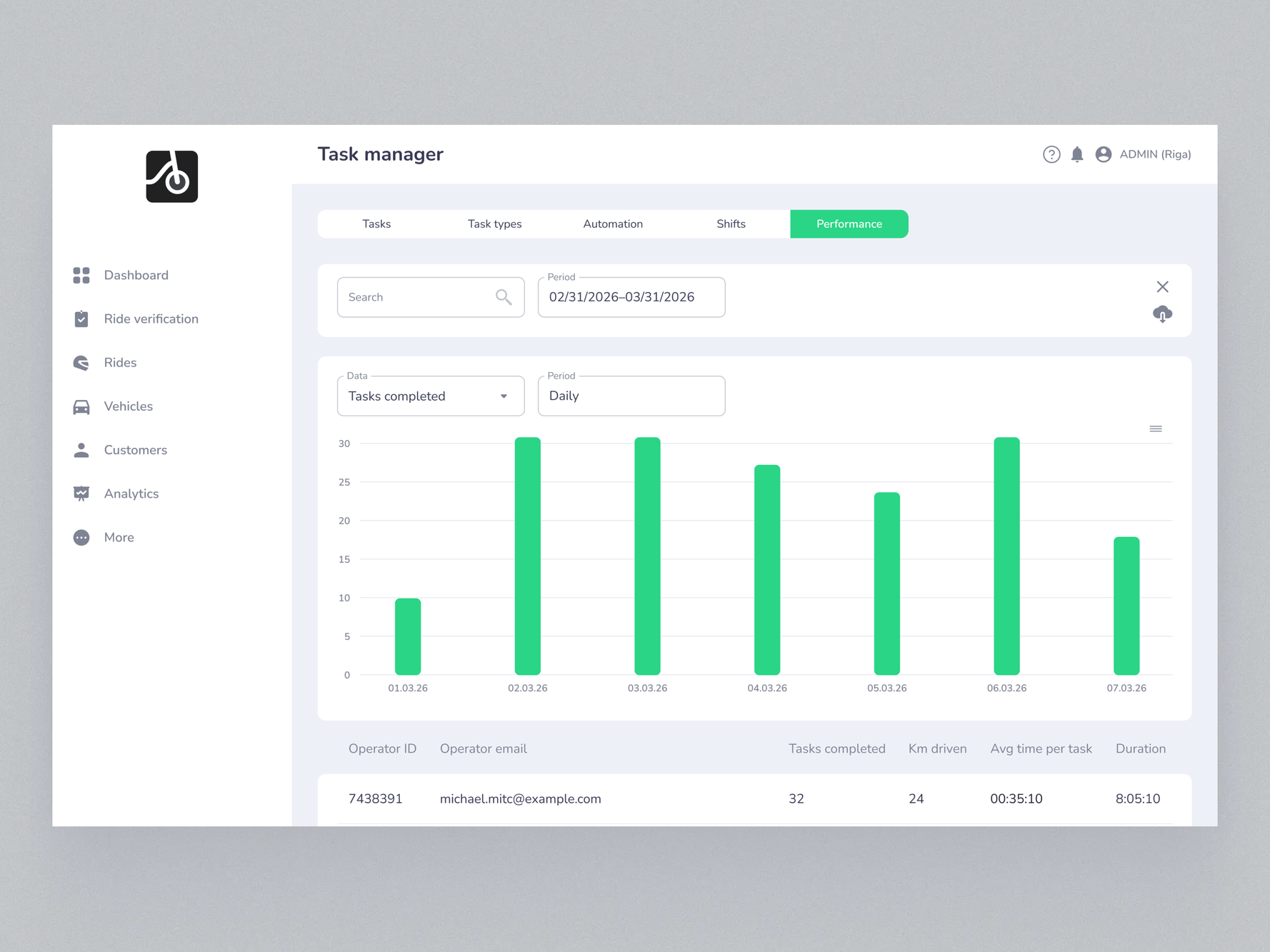
- Assign tasks and check what the field team has completed.
- Track utilisation, vehicle availability, revenue, and trips over time.
Try these tasks with the roles your own team would use. The question is not only whether a feature exists, but how many manual steps it takes to run your fleet every day.
Consider Digital Rental If It Is Part of Your Plans
Car sharing and digital rental increasingly overlap. An operator might offer cars for short city trips and also accept bookings for a weekend. A rental business may begin with advance reservations and later add app-based, keyless access for shorter trips.
The technology shares many components, but the booking rules can differ. A rental may require advance pickup and return times, vehicle or category allocation, availability calendars, deposits, extensions, and different customer handover processes.
If you may operate both models, ask for a demonstration of both: an immediate hourly trip and an advance weekend booking. Check how the system prevents overlapping reservations, applies the correct pricing and deposit rules, and gives your team a clear view of availability. Also establish whether both models can use the same customer account and management setup, or whether additional products and fees are required.
ATOM Mobility supports vehicle sharing and digital rental on its platform. The useful question for any provider, including us, is how your exact combination of models would be configured and operated.
Compare the Full Cost, Not Just the Software Fee
A low monthly licence fee can be attractive, but it may be only one part of the cost. Request a proposal that separates:
- Launch, Setup, branding, app publication, migration, and training
- Monthly minimums, fees per vehicle or booking, and included modules
- Payment processing, refunds, deposits, and any additional transaction fees
- Telematics hardware, installation, data plans, and new integrations
- Ongoing work such as support level, custom development, and third-party services
Compare the likely cost at your launch fleet size and at a realistic larger fleet. Ask what happens if the fleet is seasonal or grows more slowly than planned.
Build, Buy, or Combine the Two?
Building in-house can make sense when a company has the engineering capacity and needs a customer experience or operating model that available platforms cannot support. It also means taking responsibility for project management, app updates, payments, vehicle integrations, security, monitoring, and support long after launch.
A white-label platform can shorten the route to market and spread that technical work across an established product. In return, you depend on the provider’s supported features, integrations, development priorities, and service levels.
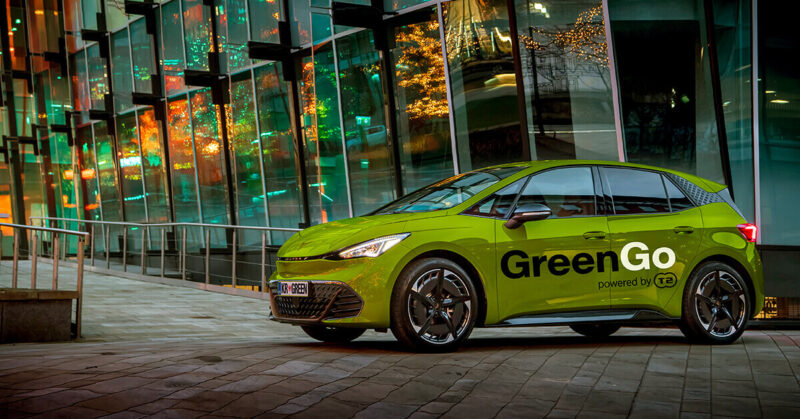
Slovenian car-sharing operator GreenGo initially spent two years developing its own app before switching to ATOM Mobility. Its experience shows why it is worth comparing the time and resources required to build with what an existing platform can already deliver. Read GreenGo’s story: https://www.atommobility.com/blog/greengo-chooses-atom-mobility-to-power-its-electric-car-sharing-business
There is also a middle option: use a platform for core bookings, fleet management, and vehicle connectivity while building selected experiences or integrations yourself through APIs. If this is your plan, review the API documentation and confirm what your team can actually read, change, and automate.
5 Things to Request in a Provider Demo
Before signing, ask each shortlisted provider to demonstrate the same scenarios:
- Register and verify a new rider, then make a booking and unlock the proposed vehicle.
- Extend a trip, report damage, end the booking, and see the final charge.
- Resolve a failed unlock or payment from both the customer’s and support team’s perspectives.
- Remove a car for maintenance, assign the task, and return it to availability.
- Configure your actual pricing and parking rules without developer assistance.
Use your intended vehicle models, payment markets, and operating rules in the discussion. For anything that cannot be shown, ask whether it is already available, needs configuration, requires paid development, or is only planned.
The best car sharing software is the one that supports your model reliably, gives your team control over daily operations, and leaves room for the business you intend to build next. A practical demo and a complete cost proposal will tell you more than a long feature list.
If you are evaluating car sharing alongside self-service rental, talk to ATOM Mobility about your fleet and operating model. We can show you how both models work on the platform and help you plan migration and scaling.
This article was originally published by ATOM Mobility.